How to Connect Claude AI to Kajabi (and What It Can Actually Build for You)
Sep 25, 2026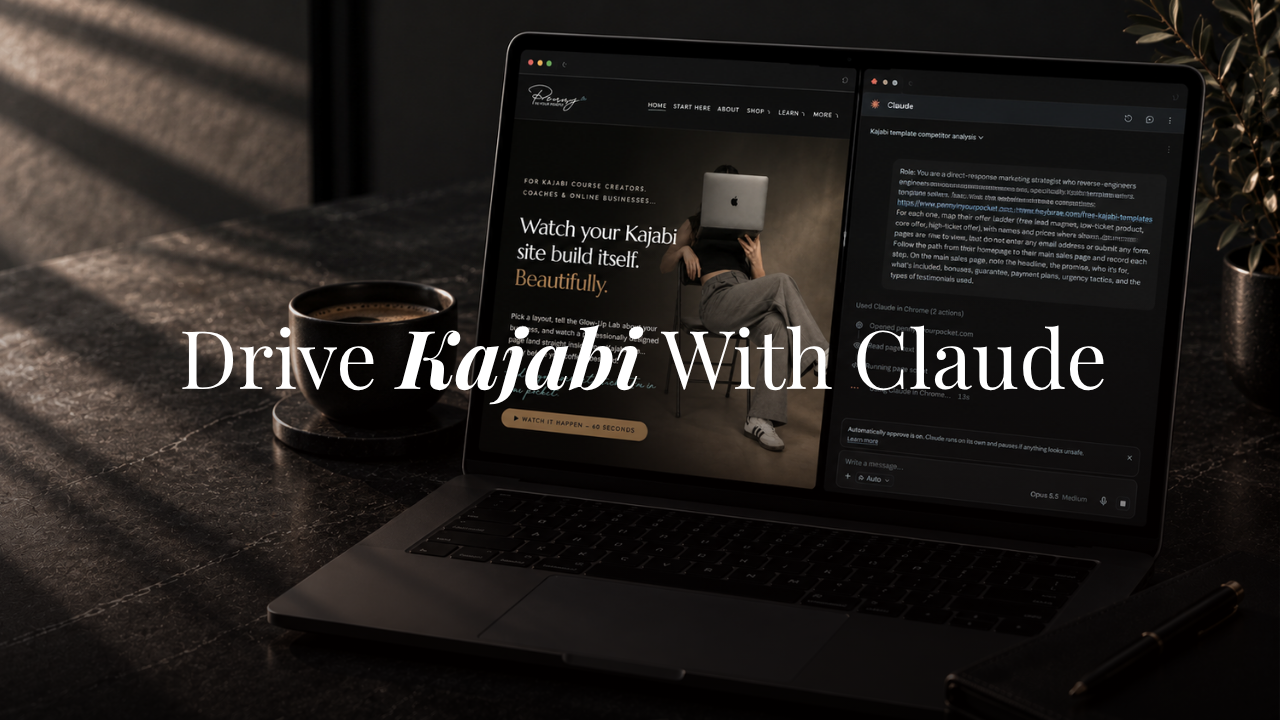
You're already doing the thinking in Claude. The connector is what stops you from retyping all of it into Kajabi.
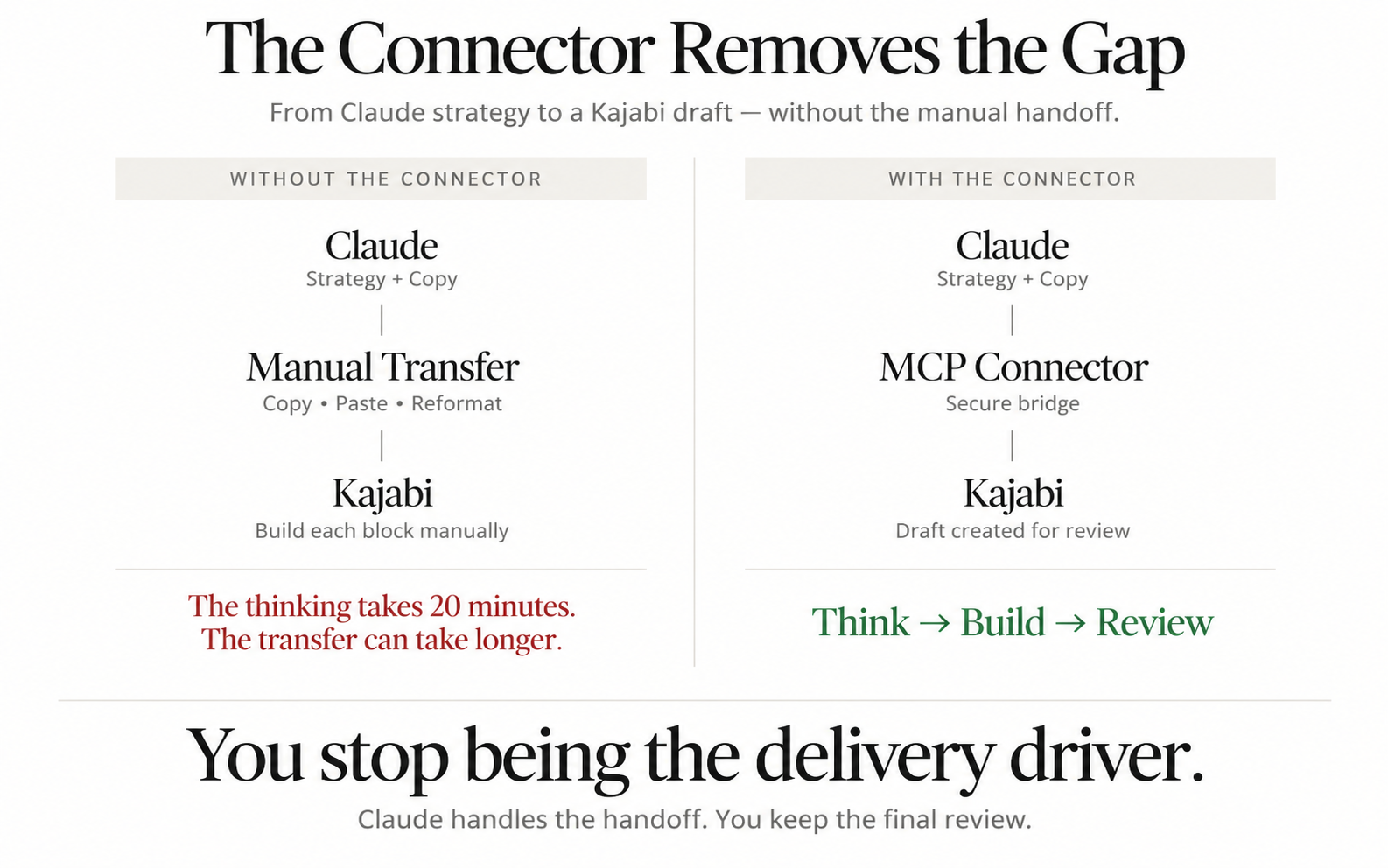
For a long time, most of what I built in Claude ended the same way. I'd map out a sales page, outline an email sequence, or draft a blog post, and then I'd spend the next half hour copying it into Kajabi one block at a time.
The strategy took twenty minutes. The copy and paste took longer.
That changed when Kajabi released its MCP connector. Now Claude can take the work we've just done together and build it straight into my Kajabi account as a draft, ready for me to review.
In this post I'll cover:
- What a connector and MCP actually are, in plain English
- Why this matters for a coach running her business on Kajabi
- How to connect Claude to Kajabi, step by step
- What Claude can build inside Kajabi for you
- What it can't do, and why that part is still your job
- How I use it in my own business
If you're brand new to Claude, start with my beginner's guide to Claude AI first, then come back here.
What a Connector Is, and What MCP Means
A connector is a secure bridge between Claude and another app you use. Once it's set up, Claude can read from that app and make changes inside it, with your permission.
MCP stands for Model Context Protocol. It's the open standard that makes those bridges work. You don't need to understand anything technical about it. The useful way to think about it is a universal plug. Kajabi built one plug, and any AI tool that supports MCP can use it.
Without a connector, Claude is a very smart advisor sitting in a separate room. It can tell you exactly what your sales page should say, but you're the one carrying every word down the hall.
With the connector, Claude can walk into Kajabi and set the draft on your desk.
Why This Matters for Your Kajabi Business
Most coaches I work with use Claude for the thinking part of their business. Offer ideas, email copy, course outlines, blog drafts.
Then they hit the same wall. All of that work lives in a chat window, and Kajabi is a completely different place.
The connector removes that gap. When you finish outlining a five-email welcome sequence with Claude, you can ask it to create the sequence in Kajabi. When you've mapped out a course, Claude can build the modules and lessons. When a blog post is done, it lands in your blog as a draft with the SEO title and description already filled in.
You still review everything. You just stop being the delivery driver.
It's also worth knowing this is different from Kajabi's own built-in assistant. I wrote an early review of Kajabi Cofounder if you want to compare the two. Cofounder lives inside Kajabi. The MCP connector brings Kajabi into Claude, where your strategy work, your reference files, and your Projects already live.
How to Connect Claude to Kajabi
Setup takes about five minutes. You don't need to write any code.
What You Need First
- A paid Claude plan. Custom connectors require one of Claude's paid plans. You can see the current options at claude.com/pricing.
- A Kajabi account. Kajabi currently includes MCP access on all of its plans.
- The right Kajabi login open in your browser. The connection attaches to whichever Kajabi account is active in your browser, so if you help manage someone else's site, log out of that one first.
The Setup Steps
- Log into your own Kajabi account in your browser.
- In Claude, open your settings and go to Connectors. Claude has moved this menu around before, so if you don't see it under Settings, look for Connectors in the sidebar.
- Click Add custom connector.
- Name it Kajabi.
- Paste this into the URL field: https://mcp.kajabi.com/mcp
- Click Add, then approve the Kajabi consent screen that opens in your browser.
- Start a new chat, open the tools menu, and make sure the Kajabi connector is switched on.
The same URL works in the Claude desktop app.
Choose Your Permissions Carefully
During that consent step, Kajabi asks what Claude is allowed to do. Each permission is its own toggle, so you can grant only what you need.
My recommendation for your first few weeks is to turn on reading your data and creating and editing content, and leave two permissions off.
Publish or unpublish content. With this off, everything Claude creates stays a draft until you publish it yourself. That's the safety net you want while you're learning.
Edit theme content, custom JavaScript, and custom CSS. Theme changes take effect immediately on published pages. There's no draft layer. Turn this on later, once you trust your prompts.
If you ever want to disconnect, go to Settings, then Integrations & Webhooks, then AI Assistants inside Kajabi and remove it there.
Test the Connection
Type this into a new Claude chat:
"List my Kajabi sites."
If Claude comes back with your site name, you're connected. If it says it can't find any Kajabi tools, check that the connector is switched on for that chat.
What Claude Can Do Inside Kajabi
I connected Claude to my own account to put this list together. Here's what it can actually build, with a sample prompt for each so you can see how you'd ask.
Blog Posts and SEO
Claude can create draft blog posts, edit existing ones, and fill in the SEO title, meta description, and tags.
"Turn the blog outline we just wrote into a draft post in Kajabi, and add an SEO title under 60 characters."
One thing it can't set is the URL slug. Kajabi generates that from your title, so shorten it by hand before you publish.
Landing Pages and Sales Page Structure
This is where I use it most. Claude can create a draft landing page and write its sections, headings, body copy, and button text.
"Create a draft landing page for my 90-day coaching program with a hero, a problem section, what's included, three testimonials, FAQs, and a final call to action."
What you get is the structure and the words in the right order. I broke down the order I use in the sales page structure behind every template I build.
Emails, Sequences, and Automations
Claude can draft email broadcasts, build email sequences with day-by-day timing, and draft automations that connect your forms, tags, and sequences.
"When someone submits my free guide form, tag them 'guide lead' and add them to my five-email welcome sequence."
Claude drafts it. Nothing sends and no contact gets enrolled until you open it in Kajabi and publish it. Automation support is rolling out to accounts gradually, so it may not show up for you yet.
Courses, Coaching, and Offers
Claude can create a course and add modules and lessons, including drip schedules. It can set up 1:1 or group coaching programs and create draft offers with one-time, subscription, or payment plan pricing.
"Build the course outline we just made as a Kajabi course with six modules, and drip one module per week."
Contacts, Tags, and Segments
Claude can search your contacts, add or remove tags, and build segments you can target with a broadcast.
"Find everyone tagged 'webinar lead' who hasn't bought my course and save them as a segment."
Forms, Menus, and Media
It can create opt-in forms, edit your navigation links, and place, crop, or swap images that are already in your media library.
What It Can't Do
This part matters as much as the list above, because it's where people get frustrated.
It Can't Upload Your Files
Claude has no way to pull a photo or PDF off your computer and drop it into Kajabi. When you ask it to add media, it gives you a link to Kajabi's uploader, and you finish the upload there.
It Can't See Your Page
Claude builds pages by editing settings and text. It doesn't look at the finished result the way your client does, on her phone, scrolling past your hero at 9pm.
It can't tell you the spacing feels cramped, or that your headline wraps awkwardly on mobile, or that the section order technically works but reads flat.
It Can't Make a Page Look Premium
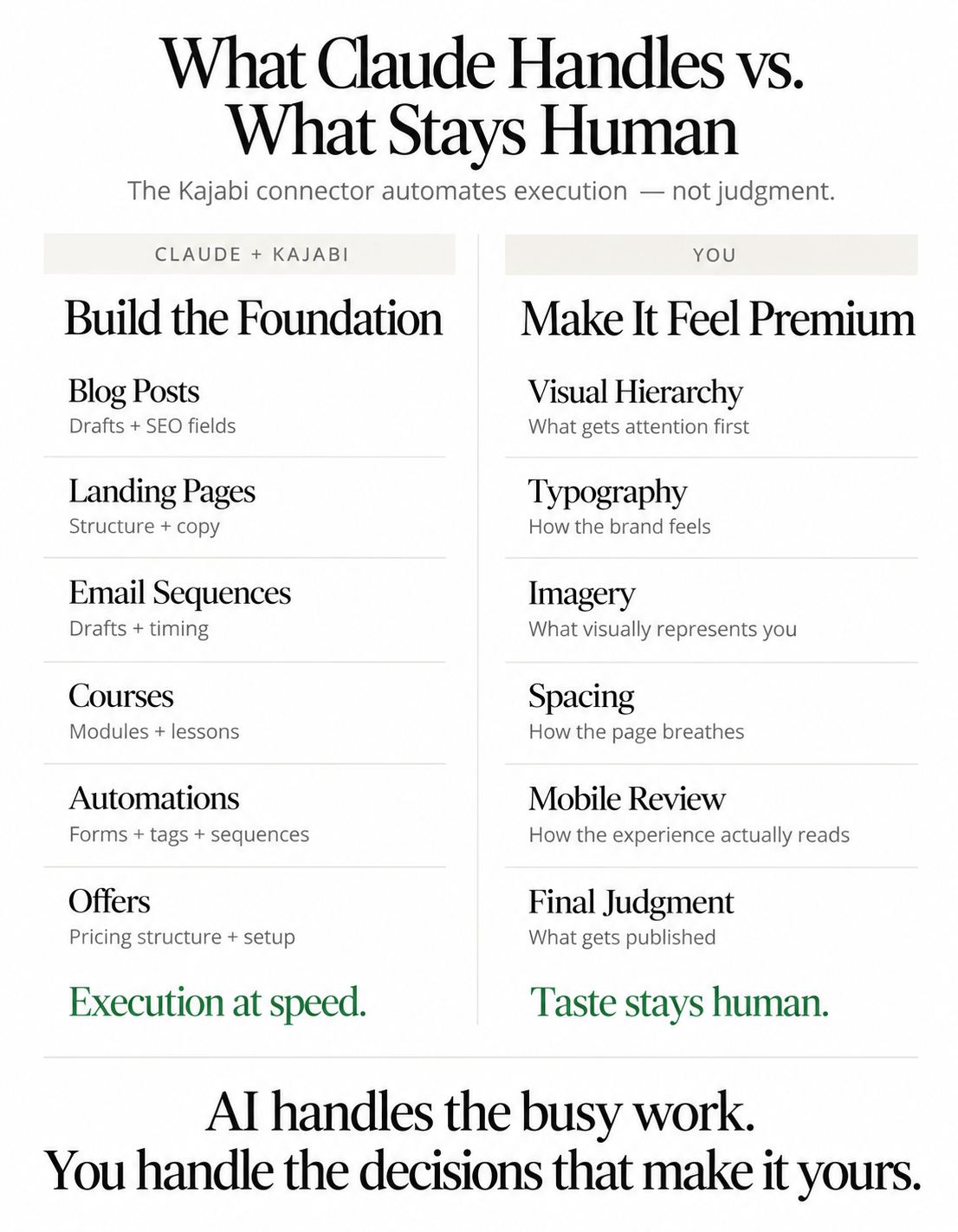
Technically, with theme access switched on, Claude can change colors, fonts, and padding. That doesn't mean it has taste.
Visual hierarchy, white space, image choice, and the small details that make a coaching brand read as high-ticket are design decisions. Claude will fill a well-designed page quickly. It won't make a plain page look expensive.
That's the reason I still start every build from a designed template. The design is already done and tested, and Claude handles the words and structure on top of it. If you're working from a blank Kajabi theme, my Kajabi website templates give you that foundation, and my guide to customizing a Kajabi template to match your brand covers the part only you can do.
A Few Other Limits
Claude can't process payments, send email blasts on its own, or change your account settings. It also connects to one Kajabi account at a time.
How I Use It in My Own Business
I use the Kajabi connector for the foundational work. Page structure, section order, first-draft copy, course outlines, email sequences, blog drafts with the SEO fields filled in.
The aesthetic design I do myself. Fonts, colors, imagery, spacing, and how a page feels when a coach lands on it are the part of my business I don't hand to anyone, human or AI.
This article is a great example of how I use Claud AI with the Kajabi MCP connector. I used Claude to iterate my blog ideas and store them in Notion. Next I write them and have Claude do a light spelling and grammar check, then upload to Kajabi.
Once the draft is in Kajabi, I add images and then set to publish. Using the Kajabi MCP saves me time while keeping design and content in my own hands.
That split is the whole point. Claude handles the busy work so I can spend my time on the fun part, the design and the strategy decisions that make the result feel like mine.
Where to Go From Here
Connecting Claude to Kajabi takes five minutes. Getting good results from it depends on how you prompt, and on whether you're using Claude for real strategy or only for busy work.
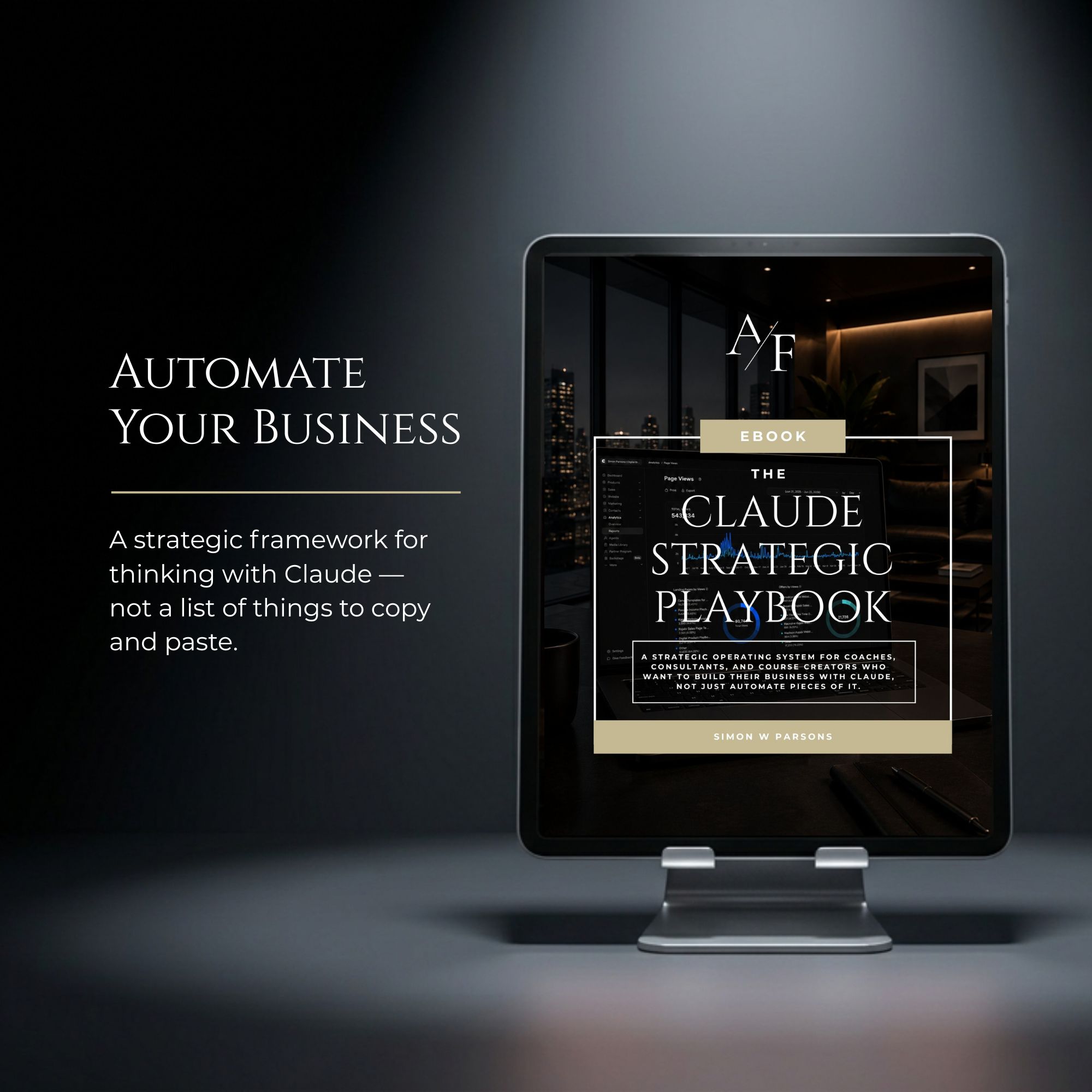
That's what I cover in The Claude Playbook. Chapter 7 of the Playbook covers MCP's and Connectors that go far beyond just Kajabi (Microsoft, Gmail, Canva, Notion, etc.).
It's 133 pages of exactly how I use Claude across my template business, written for coaches and creators rather than developers.
Simon.
Want to keep learning?
- Previous Article: Building Digital Products with Claude AI
- Next Article: Revising custom Kajabi templates with Claude AI
Grab my free High Ticket Coach Branding Guide
A free guide for coaches, consultants, and creators who are ready to ditch the DIY look and step into a cohesive, premium brand presence that sells.
We hate SPAM. We will never sell your information, for any reason.