Kajabi Template Copy With AI: Meet the Customization Concierge
Oct 03, 2026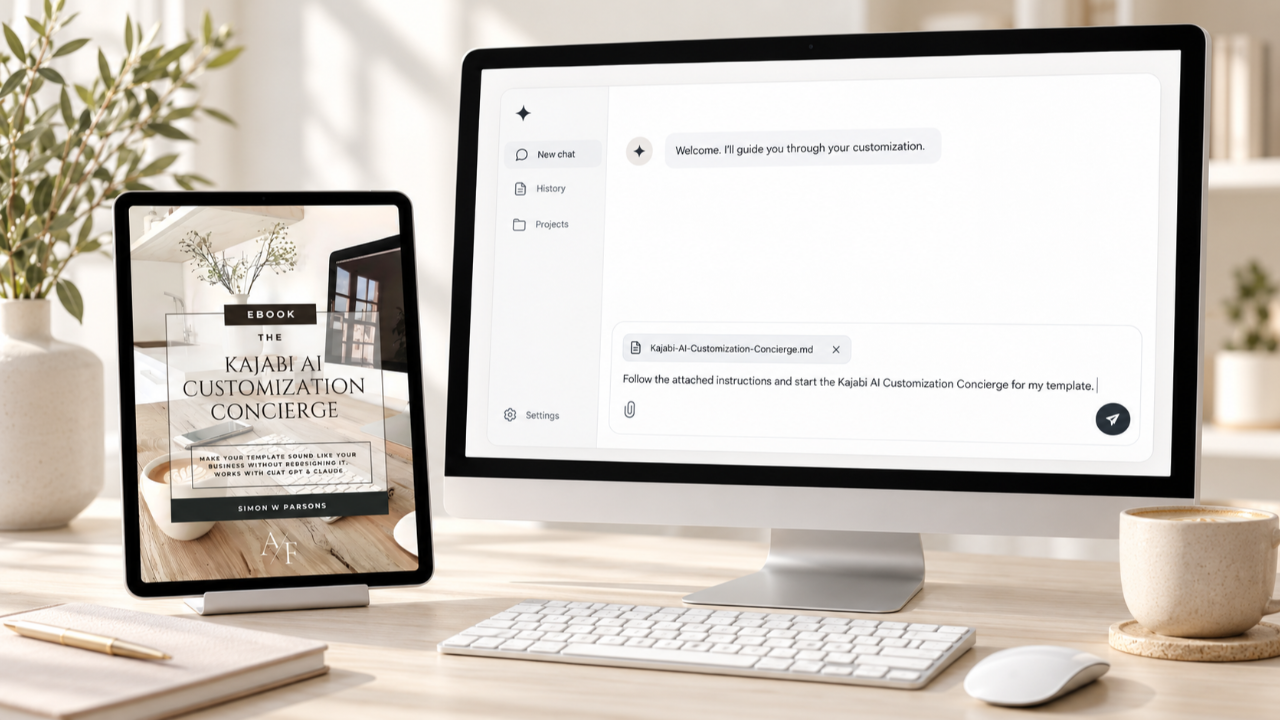
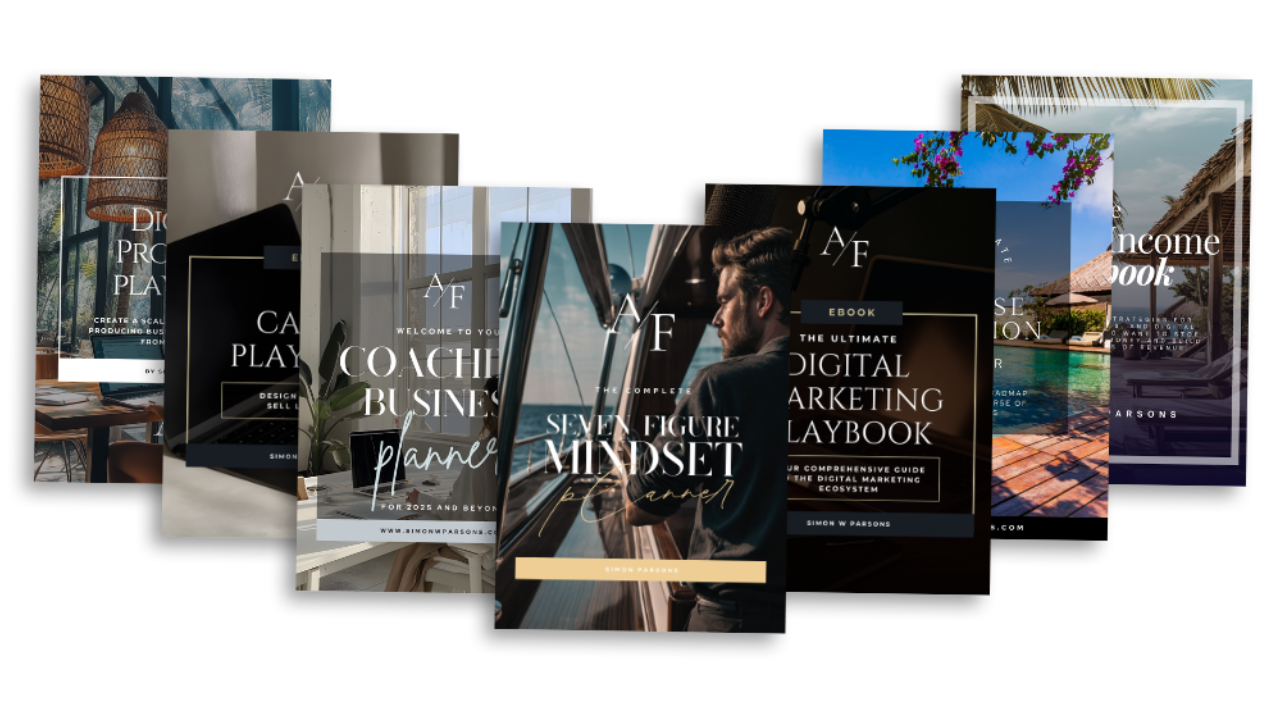
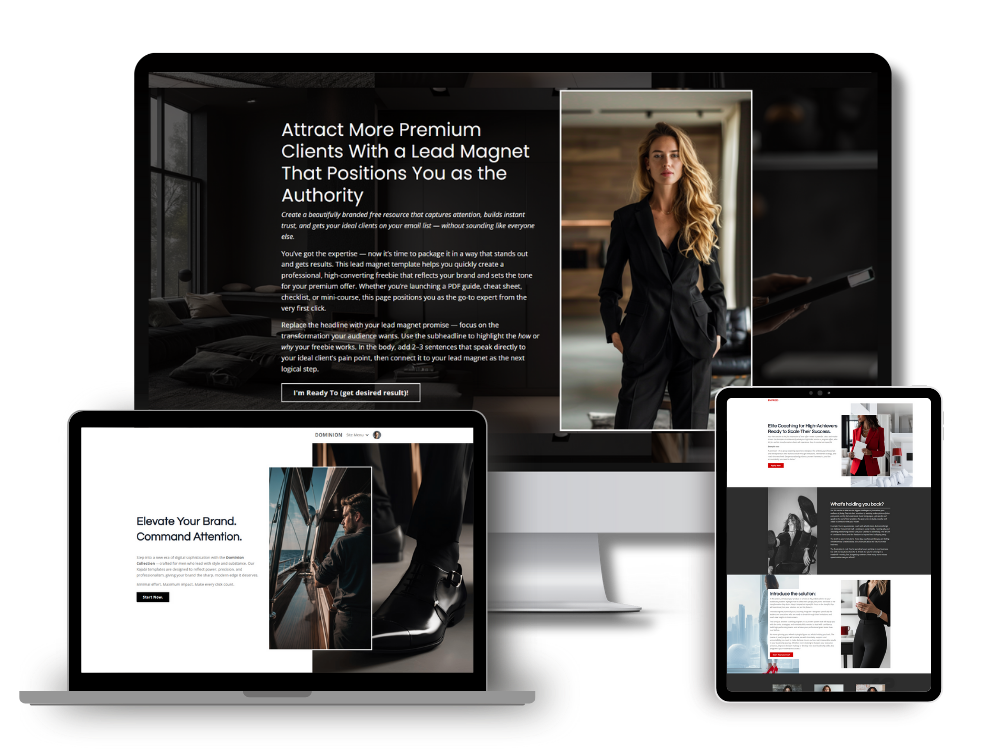
Every Kajabi template I sell ships with placeholder copy, and every buyer eventually opens it and finds a headline written for a business that does not exist.
I designed that copy to make the layout make sense. I never meant it to stay. The problem is that after you buy, the design is finished and the words are still waiting on you.
That gap is why I built the Kajabi AI Customization Concierge. It is a set of instructions you hand to Claude or ChatGPT, and it walks you through rewriting your template's copy around your own business without touching the design.
The Part of Your Kajabi Template I Don't Design
I design the layout, the colors, the fonts, the spacing, and the way each section leads the eye down the page. That part is mine, and it is done before you ever open the template.
The words are a different job. They have to come from you, because only you know who you serve, what you offer, and how you talk to your clients.
A template gives you a strong visual starting point, but it still leaves you looking at placeholder text and wondering what goes where. A coach with a full client load does not want to spend a weekend staring at a blank hero section.
Plenty of coaches try to solve that by pasting a page into an AI chat and asking for a rewrite. That can produce decent sentences. It can also produce a headline twice as long as the space it sits in.
Why I Built the Kajabi AI Customization Concierge
I had been using the Kajabi MCP connection with Claude and ChatGPT to update content on my own website. The connection lets an AI assistant read your Kajabi pages and, with your approval, change the text on them.
It worked well for me, and I wanted my template clients to have the same advantage. Most of them have never heard of an MCP, and they should not have to learn one before they can fix their About page.
I've been enjoying using the Kajabi connector to update things like my blog and pull valuable data for my digital product offerings and realized the time I am saving in my own business could be something equally valuable for my template customers.
So I turned what I was doing into a product. It teaches you how the connection works, and more importantly it handles the part I do not design, which is the copy.
What the Concierge Does
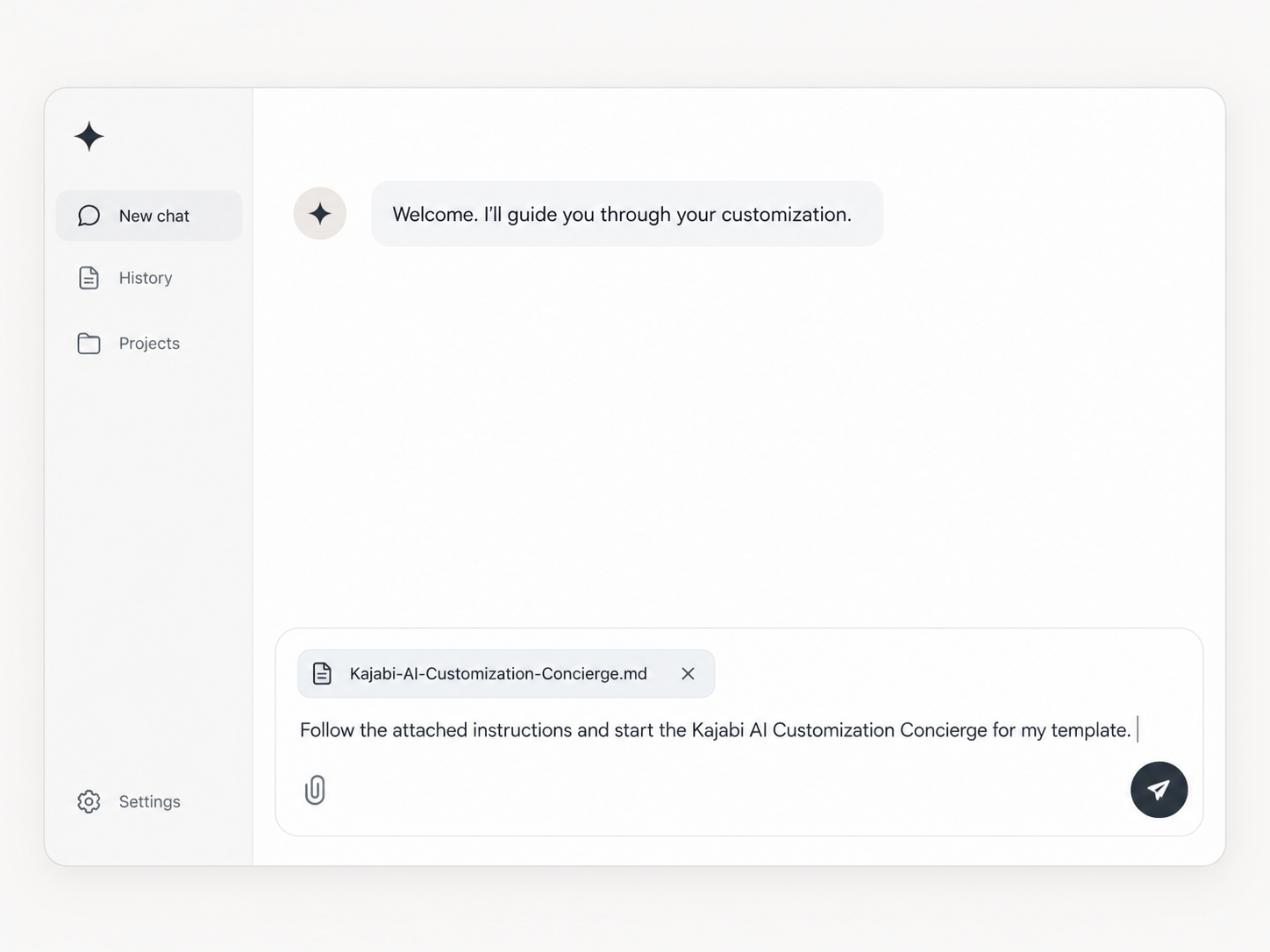
You upload one file to a new Claude or ChatGPT conversation and send a short starter message. From there, the Concierge takes over.
It interviews you. The questions come in small groups, a few at a time, and cover your business, your ideal client, your main offer, how you want to be positioned, and how you naturally talk. It takes about 10 to 15 minutes. If you would rather move faster, you can tell it to use the quick start and paste in copy you already have.
It builds a Brand Profile. This is a short summary of your business, audience, offer, voice, and the language you want to avoid. You read it and correct anything that is off before a single word of your template changes.
It rewrites your template copy page by page. For each section, it shows what is there now, proposes new copy, and explains the reasoning. You approve it, ask for another direction, keep the original, or skip the section.
It also covers the text-based SEO pieces, including page titles, meta descriptions, heading wording, and image alt text.
The Concierge only works with what you tell it. It will not invent testimonials, results, or credentials. If you want proof on the page, you supply it.
How It Keeps Your Design Intact
This is the part I care about most, because it protects what you paid for.
Out of the box, the Concierge changes your headlines, subheads, body copy, About copy, offer positioning, call-to-action wording, testimonials that you provide, and SEO text.
It leaves your colors, fonts, images, layout, section order, spacing, and button and link destinations exactly as designed.
It also measures its own work. Before it proposes new copy for a section, it records the original text and its length, then keeps the replacement within about 15 percent of that length with the same number of paragraphs or bullets. Buttons get an even tighter limit. You see the numbers next to each suggestion.
That matters because length is what quietly breaks a layout. A headline that runs two lines too long pushes everything below it down the page, and a design that looked balanced starts to feel off.
You are not locked in, though. If you want a section longer or shorter, tell the Concierge and it will rewrite it. The default just means you choose to change the footprint, and it does not happen by accident.
Using It With or Without the Kajabi Connection
The Concierge works two ways, and the first one needs no setup.
Manual. Paste your template's current text into the chat, or share screenshots. The Concierge writes the replacement copy, and you paste it into Kajabi yourself. This works for everyone.
Connected. If your AI app supports a Kajabi connection, the Concierge can find the right page, read the existing text, and apply the copy you approved. Kajabi keeps its own setup instructions current, so use those to connect Claude or ChatGPT, then come back to your conversation. I would rather you follow Kajabi's latest steps than a screenshot of mine that might be out of date by next month.
If you connect, one warning matters. Changes made through a connection can go live right away on a published page. The Concierge will ask whether the page is live and recommend working on a duplicate or unpublished copy first.
If you are on Claude and want the broader picture of how it works, my beginner's guide to Claude AI covers the basics.
How You Stay in Control
The Concierge follows the same order every time. It reads your page, analyzes what is there, proposes changes, waits for your approval, shows you a backup of the original text, writes only what you approved, and then reviews the result.
The backup comes before anything is written. It shows you the exact original text of every field it is about to change, so you can paste it somewhere safe and restore it later if you want.
When it writes, it touches text fields only. Your prices, checkout links, and button destinations stay as they are unless you ask for a specific change.
Some things will still need your hands. Certain SEO fields may need to be pasted into Kajabi yourself, and the Concierge tells you which ones and where they go. After it finishes, you look at the page in your browser and report anything that seems off.
At the end of the interview you also get your Brand Profile to save. If you buy another template later, you paste it into a new conversation and skip the interview.
How to Get the Concierge
The Kajabi AI Customization Concierge is part of the checkout process on my Kajabi templates. When you buy a template, you can add it for $47.
You get the instruction file and a short guide that explains the setup, what to have ready, and what to do if something looks off. Upload the file to a new Claude or ChatGPT conversation, send the starter message, and answer the first questions.
Pick your template from my Kajabi templates collection, and add the Concierge at checkout.
Now you have no reason to not level up your coaching or consulting business with a template and the AI Kajabi Customization Concierge.
Revamp your site to a luxury design in an hour.
Simon
Want to keep learning?
- Previous Article: Connecting Kajabi to Claude (or CGPT) with the MCP connector
- Next Article: Revising custom Kajabi templates with Claude A
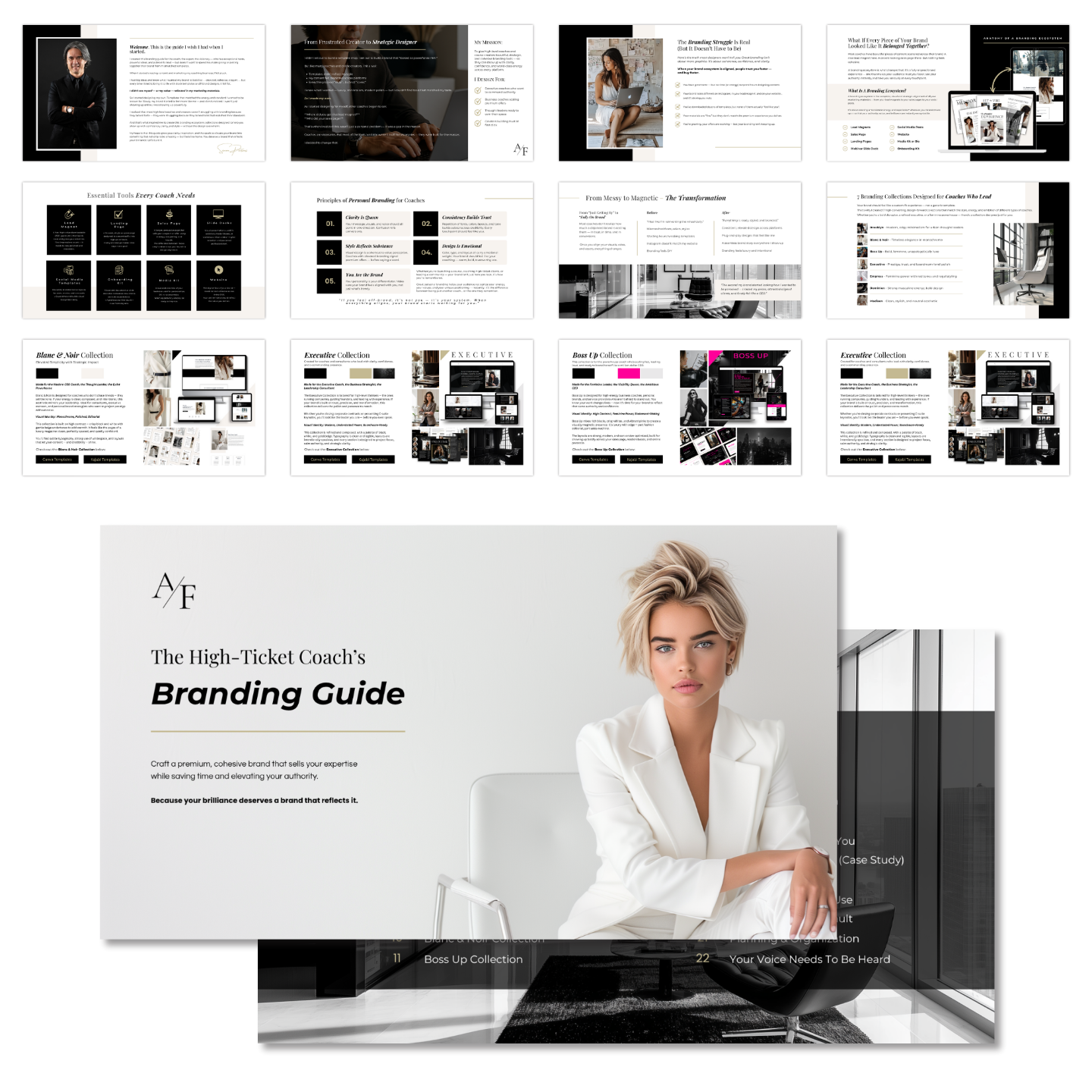
Grab my free High Ticket Coach Branding Guide
A free guide for coaches, consultants, and creators who are ready to ditch the DIY look and step into a cohesive, premium brand presence that sells.
We hate SPAM. We will never sell your information, for any reason.